Quotex demo account
How to Use Quotex Demo Account Properly
Learn how to use the Quotex demo account properly: platform practice, focused assets, one-setup training, risk rules and decision review.
Quick answer
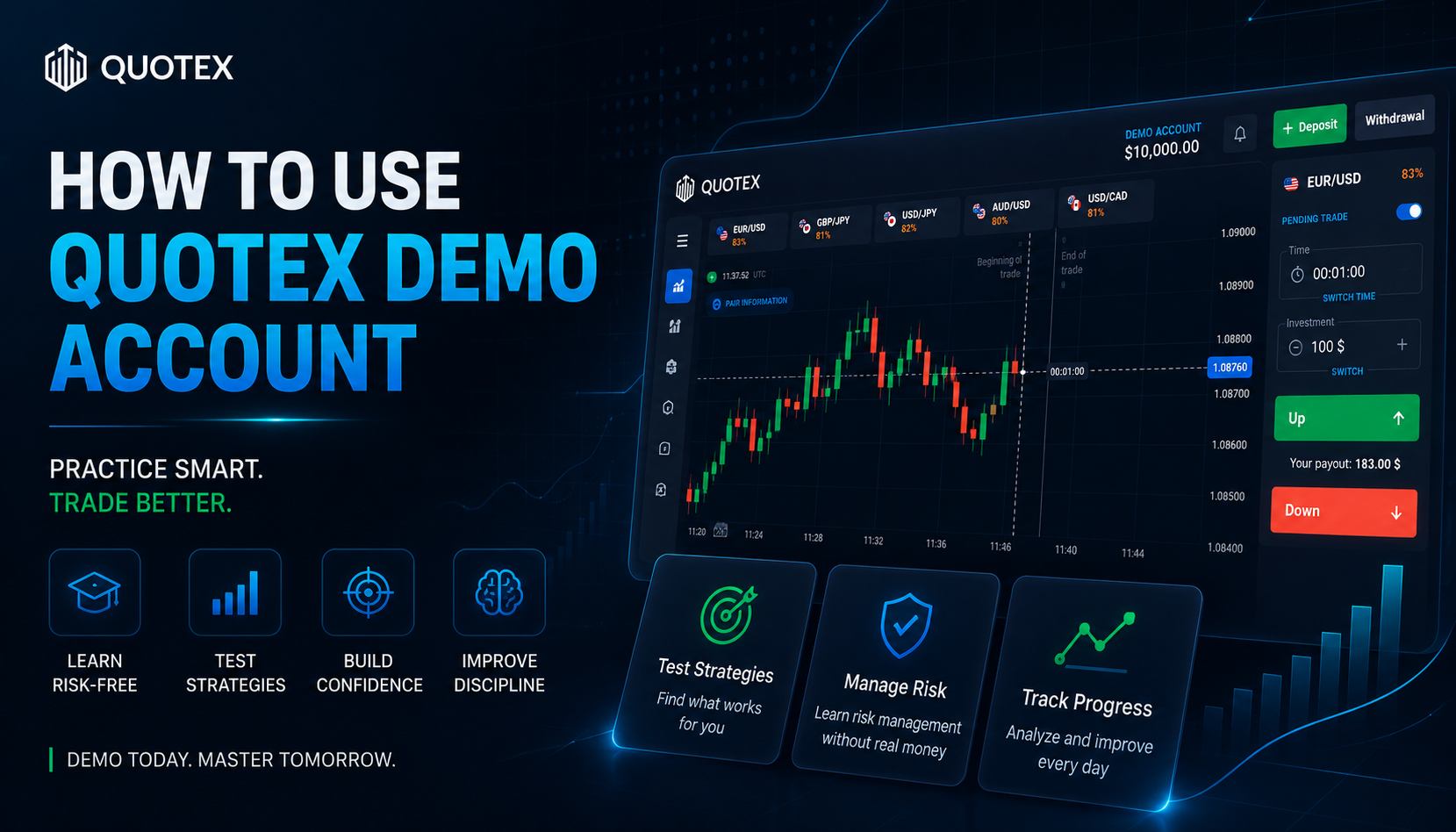
Use the Quotex demo account as a training room, not as a game. Pick one objective, one or two readable assets, one setup, a fixed amount and a short review after the session. Demo results matter only when they show cleaner decisions, calmer timing and repeatable risk habits.
- Demo trading should train behaviour: platform control, patience, setup recognition and review.
- One or two assets and one setup per session make progress measurable.
- Fixed demo amounts, trade limits and stop rules build risk discipline before money is involved.
- A short journal after every session matters more than a lucky virtual balance.
The real job of the Quotex demo account
A Quotex demo account can become a serious training room or a place where bad habits grow for free. The platform gives a virtual balance, charts, expiry choices and order buttons, but it does not automatically give discipline. The useful trader opens demo with a job: learn the interface, observe price, practise execution, control risk and review decisions without real-money pressure. If a session improves none of those things, it was probably just screen time.
The mistake: using demo like a game
Many beginners click aggressively because the money is virtual. They switch assets, change amounts after every result, chase candles and judge the day only by whether the demo balance grew. That creates false confidence. Behaviour repeats. If you train random clicking on demo, you are rehearsing the same emotional pattern that becomes expensive later. Treat demo like rehearsal: calm entry, fixed amount, clear reason, written review and no revenge logic.
Start every session with one objective
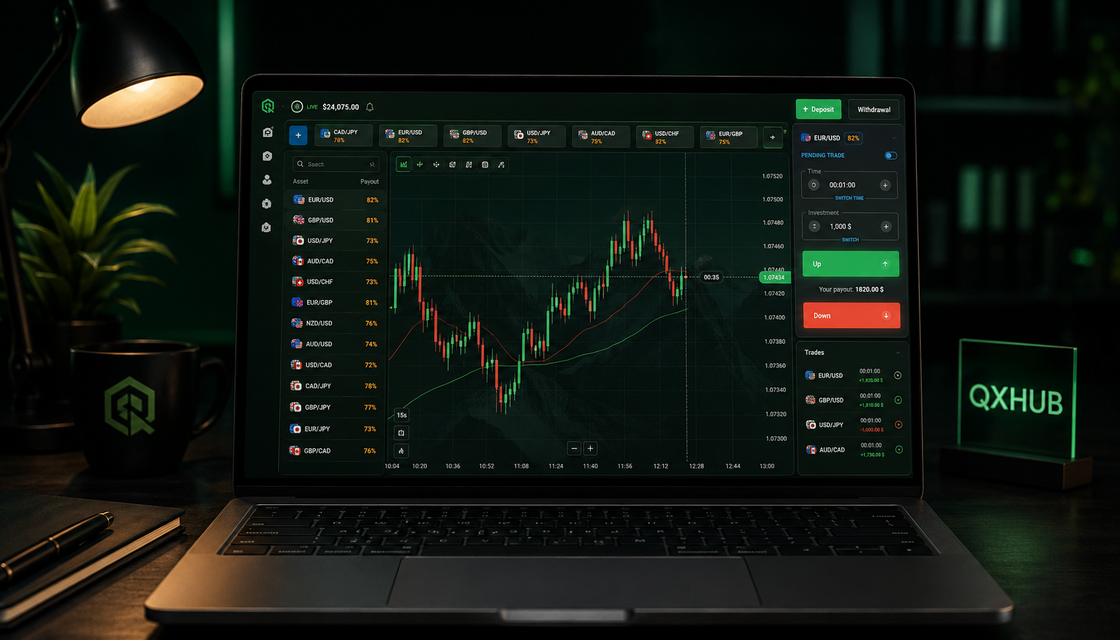
Before you open the chart, write the answer to one question: what exactly am I practising today? It may be reading a trend pullback, waiting for candle close, choosing expiry more calmly or skipping weak setups. One objective keeps the session clean. Without it, every candle looks like an invitation and every loss pushes you to change the plan. A focused demo session feels slower, but it teaches far more.
Learn the platform before testing strategy
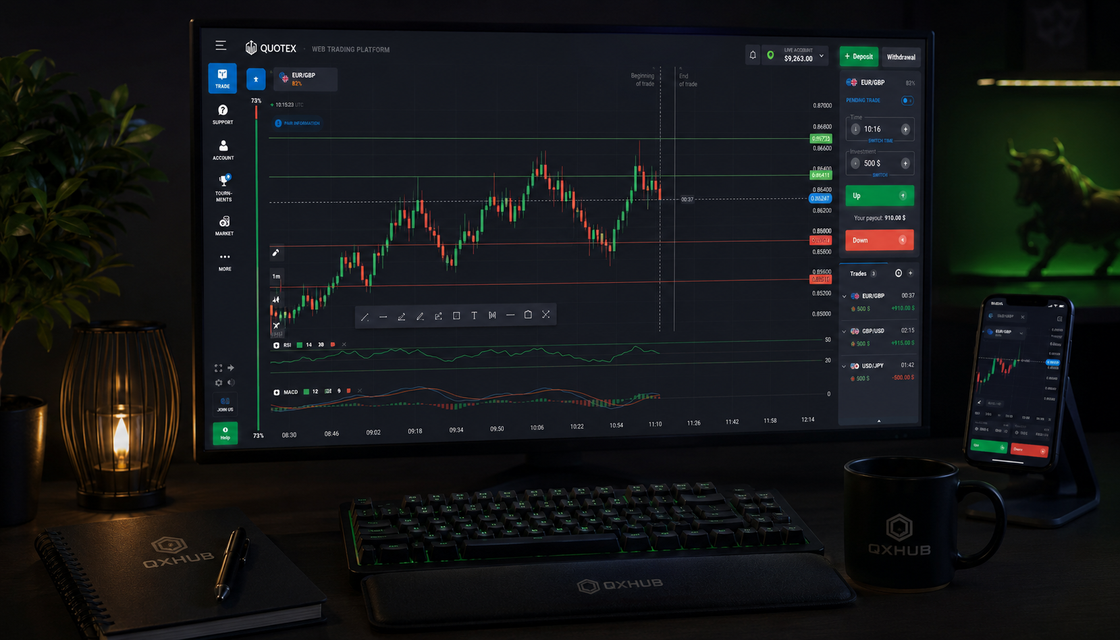
The first sessions should be about orientation. Find the chart area, asset selector, timeframe controls, amount field, direction buttons, account mode and trade history. This sounds basic, yet many beginner mistakes are not strategy mistakes at all. They are preparation mistakes: wrong asset, wrong amount, rushed expiry or confusion after the trade opens. A trader who knows the workspace can spend attention on the market instead of fighting the interface.
Choose one or two assets only
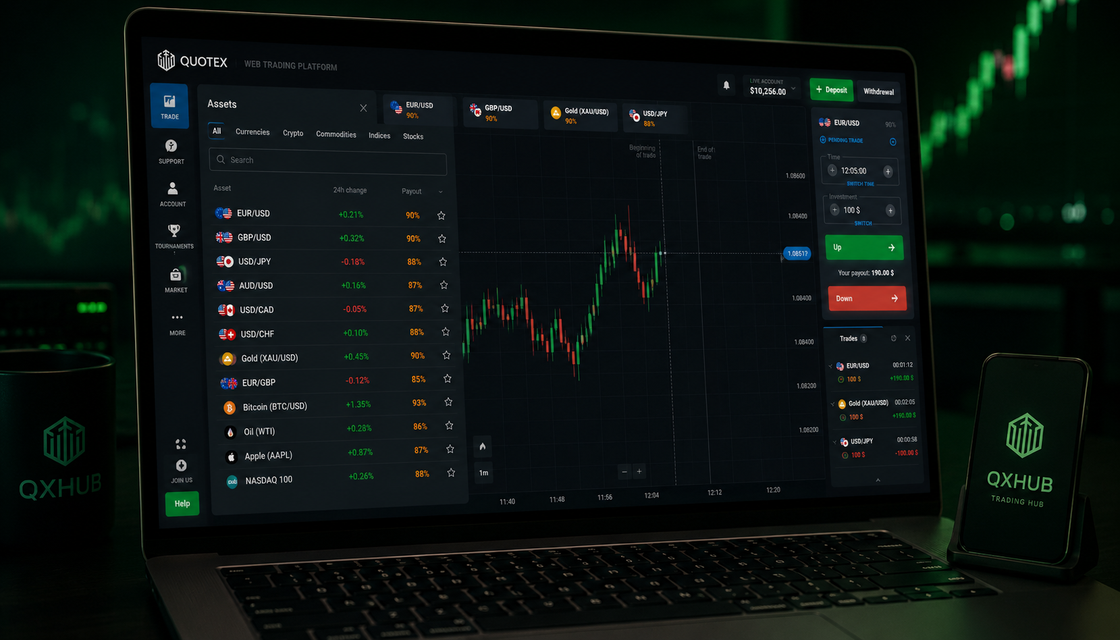
The demo account makes it easy to jump across the entire asset list. Do not turn that freedom into noise. Choose one or two assets that look readable and stay with them for the session. Watch when the chart is clean, when candles become messy and when the spread between idea and action feels too wide. Familiarity matters. You learn more from studying one market honestly than from touching twenty markets without memory.
Practise one setup at a time
Pick one setup for the session: a trend pullback, a support reaction, a resistance rejection or a continuation after price pauses. Write the conditions before trading. If they appear, take the demo trade with the same amount. If they do not appear, do nothing. The goal is not to prove that the setup always wins. The goal is to learn the difference between a clean setup, an average setup and a forced entry caused by impatience.
Use fixed amounts even with virtual money
Virtual money can quietly teach terrible sizing. Beginners often increase the amount after a loss because there is no real consequence. That habit is the wrong lesson. Use one fixed amount for the whole session. The number is less important than the behaviour. Fixed sizing keeps the review honest: the result came from the setup and timing, not from emotional size changes. If you change the amount after every result, you are practising reaction, not trading.
Build a pre-trade checklist
A short checklist prevents many weak entries. Ask: is this the asset I planned to watch, is the market condition clear, does it match my setup, did I wait for confirmation, is the amount fixed, and am I calm? The checklist should be simple enough to use before every trade. Its job is not to make trading complicated. Its job is to insert one professional pause before the click.
Review every session like a trader
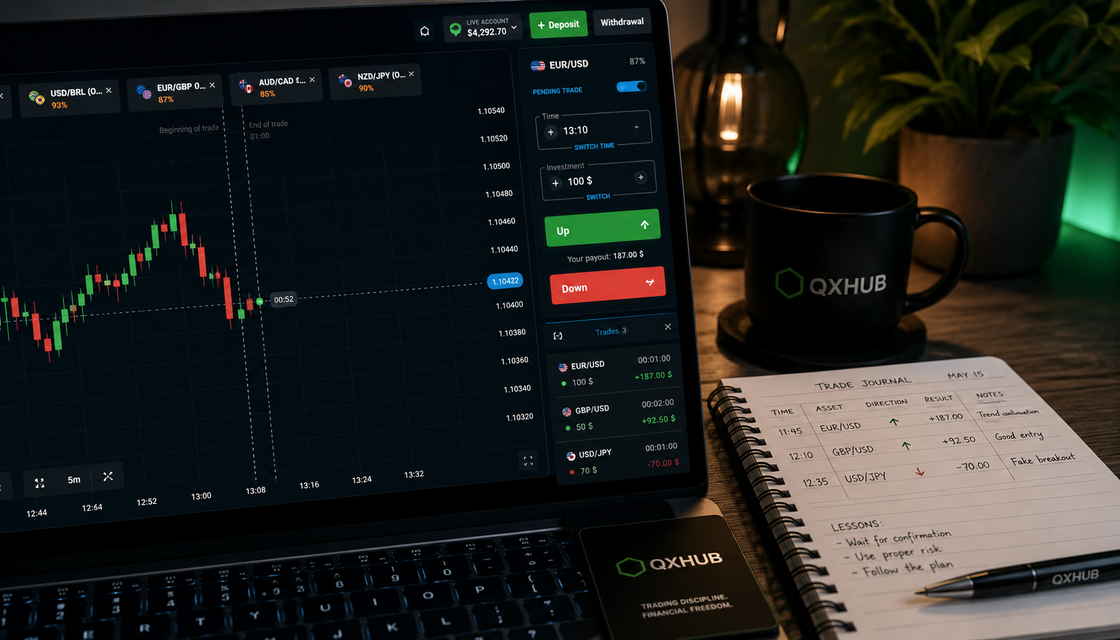
The best demo traders are not the ones who click the most. They are the ones who extract the clearest lesson. After the session, open trade history and write a few notes. Did you follow the plan? Was the setup clean or forced? Was timing early, late or patient? Did emotion change the amount? This is where demo becomes powerful: the platform shows what happened, and the journal explains why it happened.
A practical 30-minute demo routine
Use five minutes for platform and chart orientation, ten minutes for observing one asset, ten minutes for waiting for the planned setup and five minutes for review. A good session may contain only two or three trades. That is enough. The goal is not to fill trade history with action. The goal is to build behaviour that still makes sense after the screen is closed.
When to skip demo trading
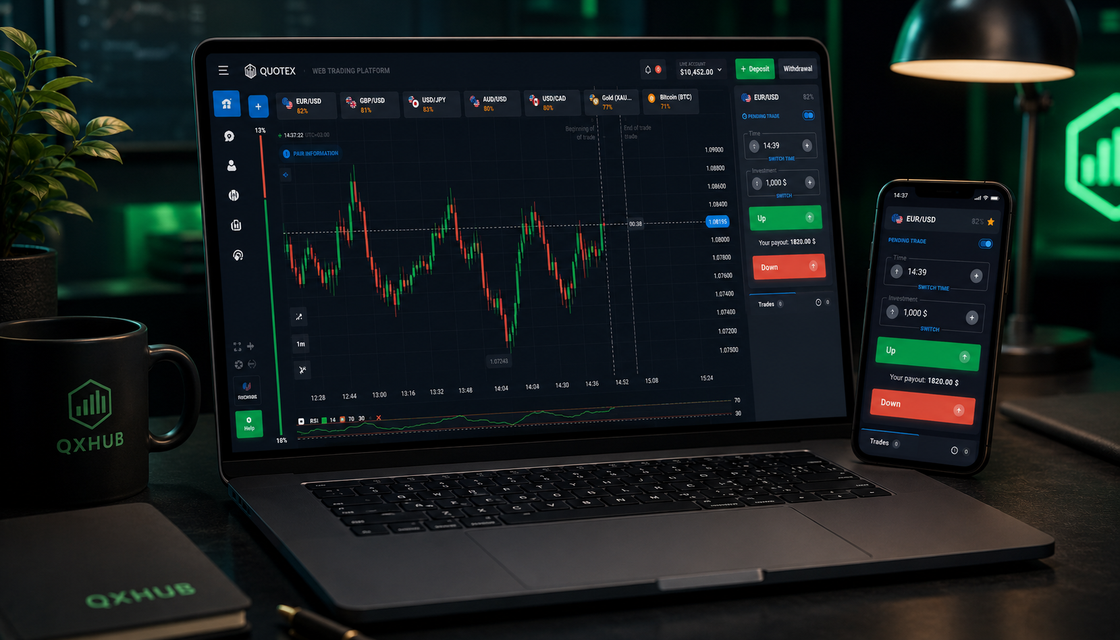
Skip the session when you have no objective, when you are tired or angry, when the chart is too messy, when you want to click from boredom or when you already know you will ignore your rules. Skipping is not weakness. It is part of the same discipline you are trying to build. A trader who can refuse bad practice is closer to refusing bad trades.
Common beginner mistakes
The most common mistakes are trading without a plan, taking too many entries, changing assets constantly, changing amount after every result, testing five strategies at once, ignoring screenshots and thinking demo profit alone proves live readiness. The cure is boring and strong: one session objective, one setup, one amount, one review. Boring structure creates readable feedback.
Risk management on demo
Risk management on demo is not about protecting virtual money. It is about training real behaviour. Use fixed sizing, a session trade limit and a stop rule after emotional mistakes. Never wait for a live account to learn this. If a trader cannot keep limits in a safe environment, those limits will feel much harder when money is real.
A five-session practice task
Session one: learn the interface and place no more than two calm practice trades. Session two: watch one asset and describe the market condition before any entry. Session three: practise one setup only. Session four: add the pre-trade checklist and a session limit. Session five: review recent demo trades and write the top three lessons. This task turns demo from random clicking into evidence.
Final advice
Using the Quotex demo account properly is not complicated, but it requires honesty. Demo does not make a trader better automatically. The way you use it does. Learn the platform, narrow the asset list, repeat one setup, keep the amount fixed, review decisions and let confidence come from evidence instead of a lucky virtual balance.
Practical route for Quotex demo account
Use this route after reading the guide. It turns Quotex demo account into a repeatable routine: one idea, one chart check, one risk limit and one clear Quotex action instead of impulsive entries.
- Learn how to use the Quotex demo account properly: platform practice, focused assets, one-setup training, risk rules and decision review.
- One or two assets and one setup per session make progress measurable.
- The mistake: using demo like a game
- Start every session with one objective
Write the reason you opened this page in one sentence. Compare it with the guide's core point: Demo trading should train behaviour: platform control, patience, setup recognition and review. If the reason is still vague, stay on demo and sharpen the rule before touching a live balance.
Open one asset and connect the idea with the section "The real job of the Quotex demo account". Do not jump between markets. A clean rehearsal means the same timeframe, the same expiration logic and the same condition for skipping the trade.
Before any real click, set the amount, the daily stop and the maximum number of attempts. Keep this filter beside the chart: Trading involves risk. Compare the platform, read the rules and never trade funds you cannot afford to lose. A strong trader protects attention first, capital second and ego never.
If the checklist still holds, use the most relevant path: Registration. If the context changes, compare it with Fast entry or Android app. The best route is the one that matches the reader's goal, not the loudest button.
Use the guide like a trading plan
A visitor searching for Quotex demo account usually needs a direct answer, not hype. This guide connects that question with Learn how to use the Quotex demo account properly: platform practice, focused assets, one-setup training, risk rules and decision review. and keeps the focus on the decision a beginner actually has to make next.
A calm trader does not turn one paragraph into a signal. Read the key points, compare them with the chart, then ask whether timing, amount and risk still agree. The strongest idea in this page is simple: Demo trading should train behaviour: platform control, patience, setup recognition and review.
When the idea is clear, move in order: open the right Quotex route, practise the workflow on demo and only then decide whether Registration, Fast entry or Android app fits the session. If the rule feels rushed, the better decision is patience.
- One or two assets and one setup per session make progress measurable.
- Fixed demo amounts, trade limits and stop rules build risk discipline before money is involved.
- A short journal after every session matters more than a lucky virtual balance.
- Trading involves risk. Compare the platform, read the rules and never trade funds you cannot afford to lose.
Quick answers
How should beginners use the Quotex demo account?
With a clear purpose: learn the interface, focus on one or two assets, practise one setup, use fixed amounts and review decisions after the session.
Is the Quotex demo account useful?
Yes, when it is structured. It helps with interface learning, execution practice, risk habits and behavioural review without real-money pressure.
What is the biggest demo account mistake?
Treating demo like a game. Random clicking, oversized virtual trades and no review create false confidence instead of skill.
Should I use risk management on demo?
Yes. Demo is the best place to make fixed sizing, trade limits and stop rules automatic.
How many assets should I practise with?
Most beginners should start with one or two readable assets. Narrow focus makes chart memory and review much cleaner.
Should I keep a journal for demo trading?
Yes. A simple journal records the reason, emotion, timing, result and lesson from each session.
How many demo trades should I take per session?
A few planned trades are better than many random entries. Quality and review matter more than quantity.
Can good demo results mean I am ready for real trading?
Not automatically. Readiness is closer to stable behaviour, written rules and calm decisions than to one lucky virtual balance.
What should I review after demo trading?
Review the asset, setup, timing, amount, emotional state, rule discipline and the main lesson.
How long should I stay on demo?
Stay until the process becomes repeatable across different sessions, not until one good day makes you feel confident.
How should a beginner use Quotex demo account?
Treat Quotex demo account as a decision filter, not as a signal by itself. Start with the page's main idea: Demo trading should train behaviour: platform control, patience, setup recognition and review. Then check one chart, one timeframe and one amount on demo before any real-money step.
What should I check before applying The real job of the Quotex demo account?
Check whether the market still matches the section "The real job of the Quotex demo account", whether One or two assets and one setup per session make progress measurable. is true on the chart and whether your amount fits the planned risk. If one part is missing, skipping is the professional choice.
Is Quotex demo account enough to open a trade?
No. The topic can help you read the situation, but a trade still needs timing, expiry logic, risk limit and a reason to stay out. The useful line from this guide is: Fixed demo amounts, trade limits and stop rules build risk discipline before money is involved.
Which Quotex route fits after this guide?
The clean next route is Registration. If the task is only access or device setup, compare it with Fast entry and Android app. The route should match the reader's intent, not pressure the trade.
Next step
Choose a topic by task: brokers for platform selection, guides for access, strategies for setups, risk for discipline and investing for longer market logic.